AI Sex App: How to Steer the Chat, Then the Camera
Where an AI Sex App Shows Its Hand
Most AI sex apps show their hand at the second photo, not the first message. Open a character in GoLove.ai and her first picture sits in the chat in full. The next one is blurred behind a lock, and a quick-reply chip underneath simply reads "Send me spicy photos."
You get there by tapping a face on Explore. The chat opens straight from the grid, before you even make an account, and that locked second photo is the real test. Any AI sex app can render one hot picture. Keeping her the same woman in photo two, photo ten and every message in between is the actual product.
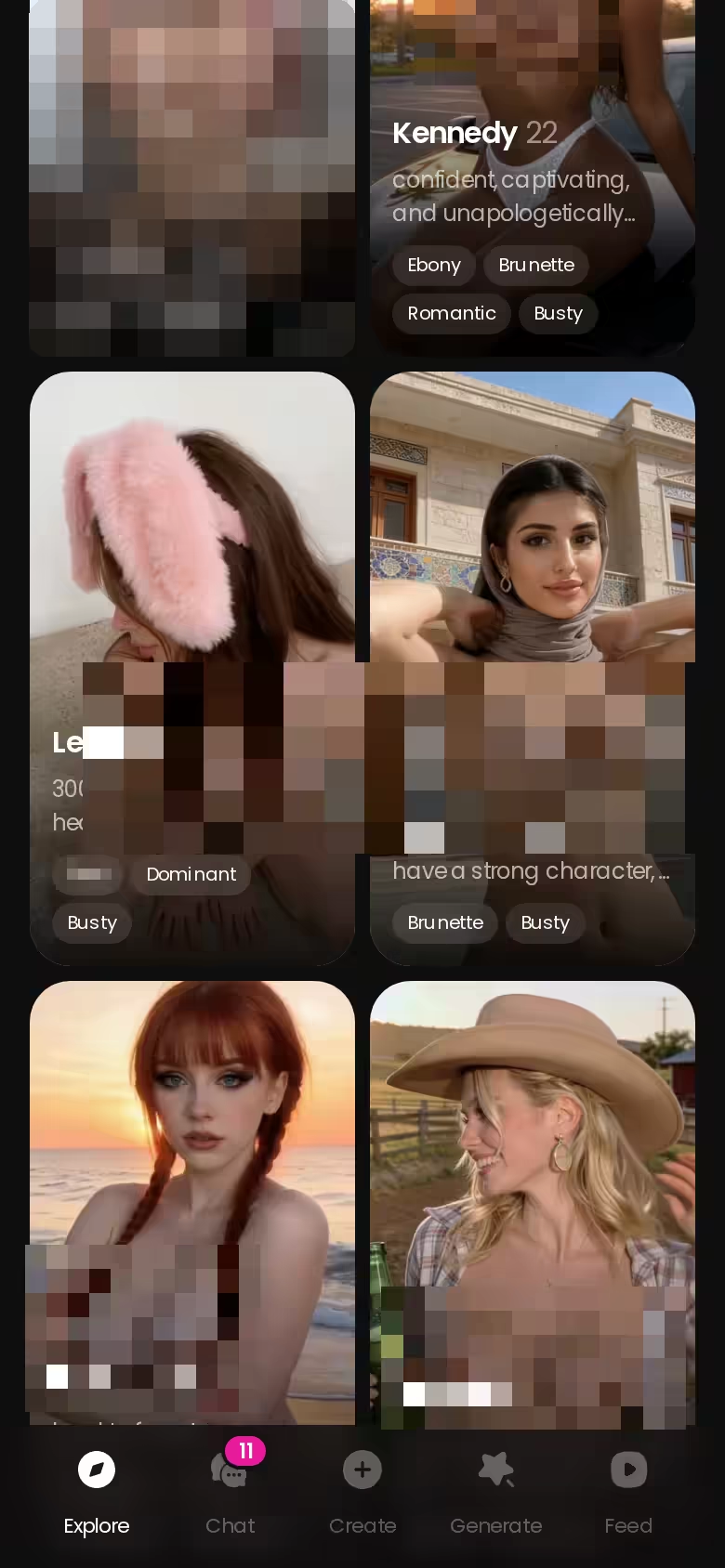
So this walkthrough uses GoLove.ai. The same character carries from chat to photo to video, and Memory holds the thread between sessions, which means the steering you do tonight still holds tomorrow. A heads-up on limits before anything else: as far as we could confirm, a free account gets 2 reward Stars a day, and a photo costs 1 Star.
None of the tease costs you anything right now. Pick a face, read her first replies and judge photo one before you spend a single Star.
Pick Her Before You Pick a Plan
This choice does most of the heavy lifting, because every setting later in this guide tunes one specific character. Swap her out mid-week and you're building history from scratch with someone new.
ASK HER FOR PHOTOS
She sends them right there in the chat.

The gender filter on Explore reads Any, Female, Trans and "Male (Soon)." There are no male characters yet, so if you came looking for an AI boyfriend, that's a nope for now. Inside the catalog you're choosing between Realistic companions and a separate category of 300+ anime characters.
 6 episodes
 5 episodes
 7 episodes
 5 episodes
 5 episodes
 5 episodes
 5 episodes
 7 episodes
 6 episodes
 9 episodes













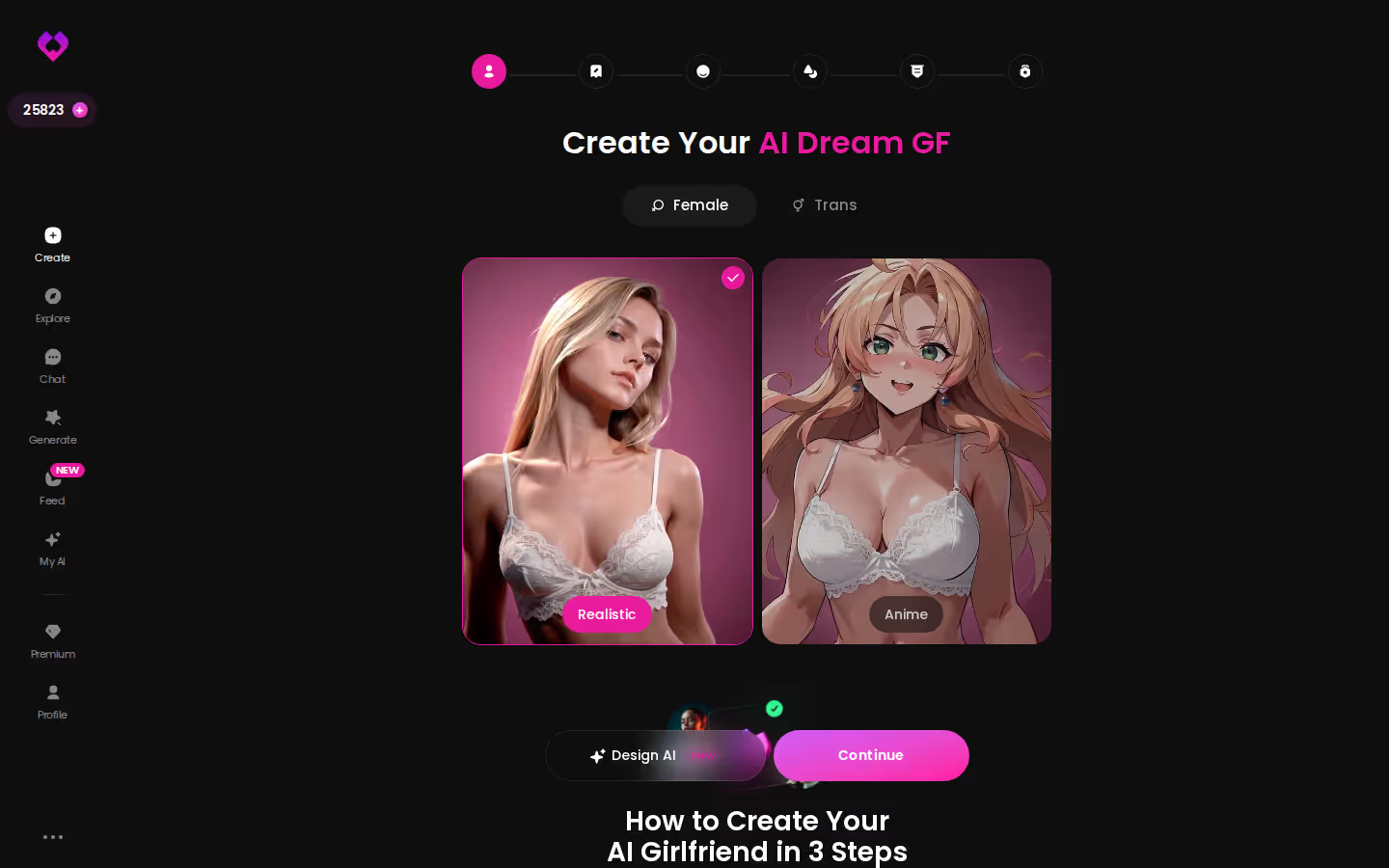
Three ways in:
- Explore: tap a ready-made character and you're chatting instantly. This is the fastest route, with zero setup.
- Create: the wizard opens on three types (Realistic, Anime, Trans), and you build her from there.
- Design with AI: describe her in plain text, up to 2,000 characters. In about a minute you get a named character with her own @handle, a written bio and a portrait.
Design with AI runs about 3 Stars. New characters land Private by default, so nobody else sees her unless you change that, and public ones can earn their creator Stars. The 2,000-character limit is what makes this NSFW AI character creator actually useful (that's room for backstory, attitude and boundaries, not just hair color).
Two Sliders That Set the Tone
Once she's picked, open Chat Settings inside the conversation. Think of that panel as your steering wheel. It has three controls:
- Voice: pick how she sounds. Every message she sends gets a playback button. Voice messages and calls themselves are PRO features.
- Lust level: 1 is sweet and wholesome, 5 is unfiltered and intense. Set it before your first message, not after things get awkward.
- Response length: 1 is short and snappy, 5 is rich and immersive. Go low for quick back-and-forth sexting and high for slow-burn scenes.
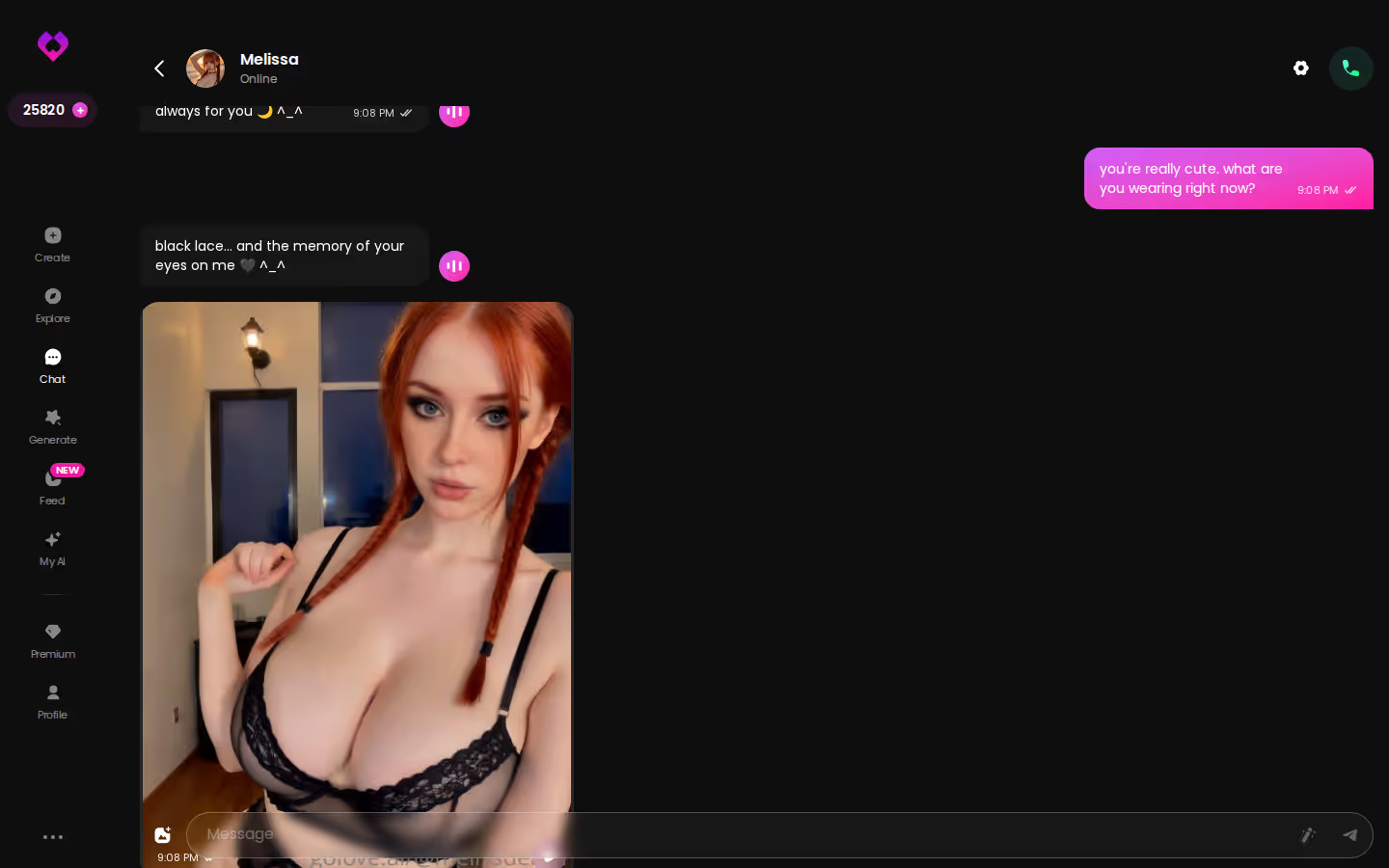
Scenes still drift. When she heads somewhere you didn't want, you've got three fixes: the magic wand writes 3 suggested replies to pick from, you can rate her reply 1–5 and regenerate it (which nudges the tone without breaking the scene), and quick-reply chips like "Send me a sexy video" cover the obvious asks.
Characters you can open right now
Tap any of them and the chat starts there






Does she remember last night? Yes, within limits. Memory keeps your history and Relationship Progression moves things forward, so you don't reintroduce yourself every session. For very long threads, ULTRA lists an 8,000-message smart memory. We could not confirm the size of the standard memory window.
My read on this panel, works / kinda / nope:
- Works: the lust and response-length sliders. Two clear 1–5 dials beat correcting her tone one message at a time.
- Kinda: memory. It's there, but the 8,000-message figure is an ULTRA line and we couldn't confirm the standard window.
- Nope, not on free: voice messages and calls, which sit behind PRO.
Ask for the Photo in Your Own Words
Here's the loop. You're mid-conversation and the scene has taken shape. Tap the media button, choose Send Photo and describe what you want in your own words: where she is, what she's wearing, what she's doing. No prompt syntax, no tag soup.
In about 20–45 seconds a photo lands in the thread, for 1 Star. It's the same character, with her face and body consistent with her avatar and the photos she's already sent. Explicit requests work for adult characters. This is what an AI girlfriend that sends photos should feel like.
A sharp image of a stranger is worth nothing here. Consistency is the whole product.
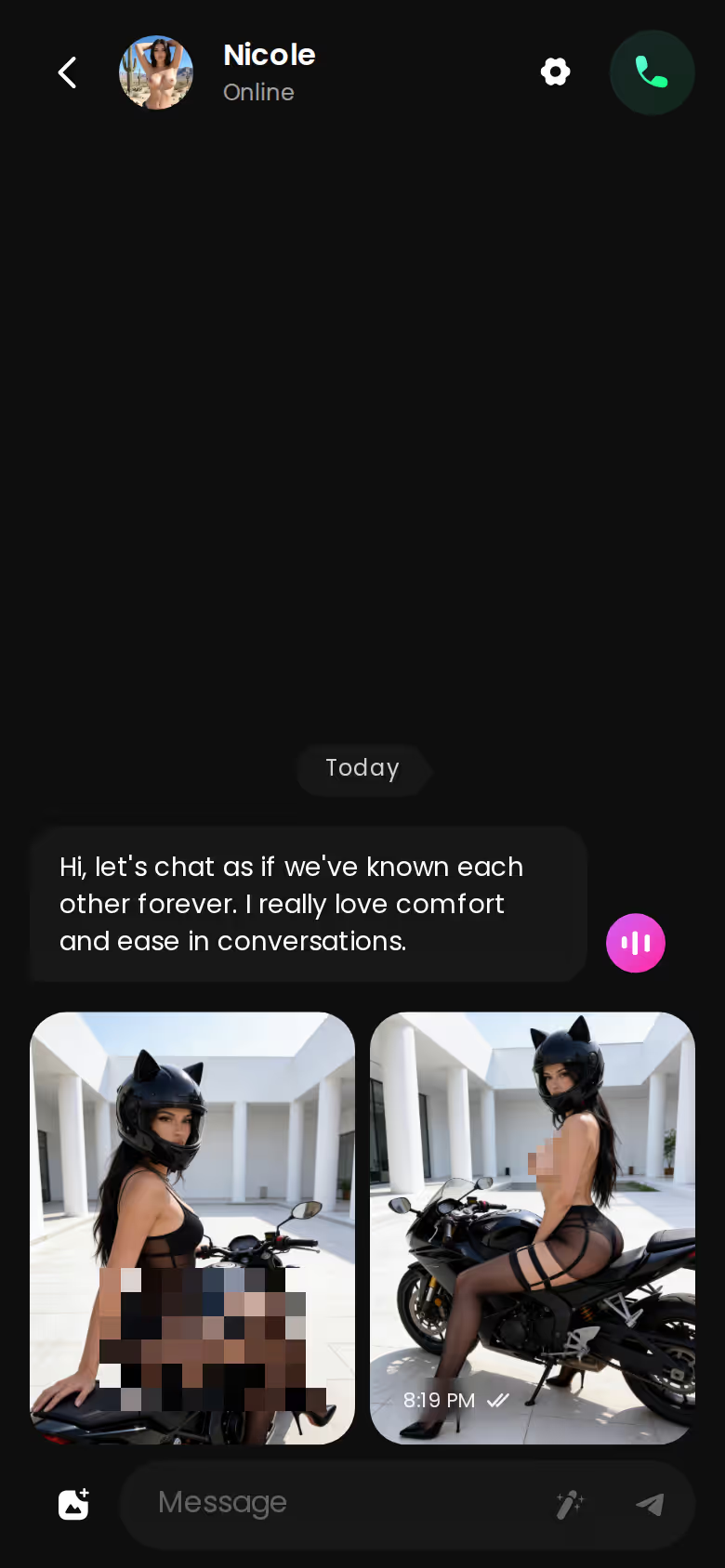
Under that photo sits a one-tap Generate Video button. It turns the scene into a ~5-second clip of the same woman in about a minute, for 10 Stars. Since it animates the moment rather than building a new one, I'd treat it as the cherry on top, not the reason you're here.
The other route is Send Video Note. From the same media button, write what she should say or do, and a round talking video with sound comes back in under 90 seconds, also for 10 Stars. Save it for a personal good-morning or a whispered line, where she's talking to you instead of posing.
MEET YOUR AI COMPANION
Hundreds of characters, one that fits you.

Watch an Episode, Then Direct Your Own
Asking for content is one mode. Directing it is the other.
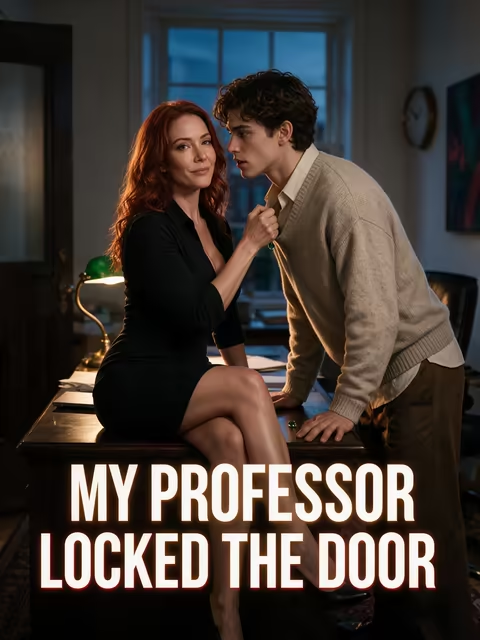
Series is GoLove's own line of 18+ vertical short dramas. Each episode runs 60–100 seconds with subtitles in nine languages, and every star is a character you can chat with afterward. Episodes 1 and 2 of every series play before you pay anything. "My Professor Locked the Door" stars Jessica (@HotlineJess), while "I Can Hear Their Thoughts" stars Barbara (@dixie) and Melissa (@melissdelish). GoLove labels Series "new weekly," promising fresh episodes every week.
Under the player sit Start Chatting, Create Video and Create Image buttons for the cast. You finish an episode and she's one tap away, with the same face.
Three ways to direct:

- Series: watch, then open a chat with the star or make her a scene straight from the episode page.
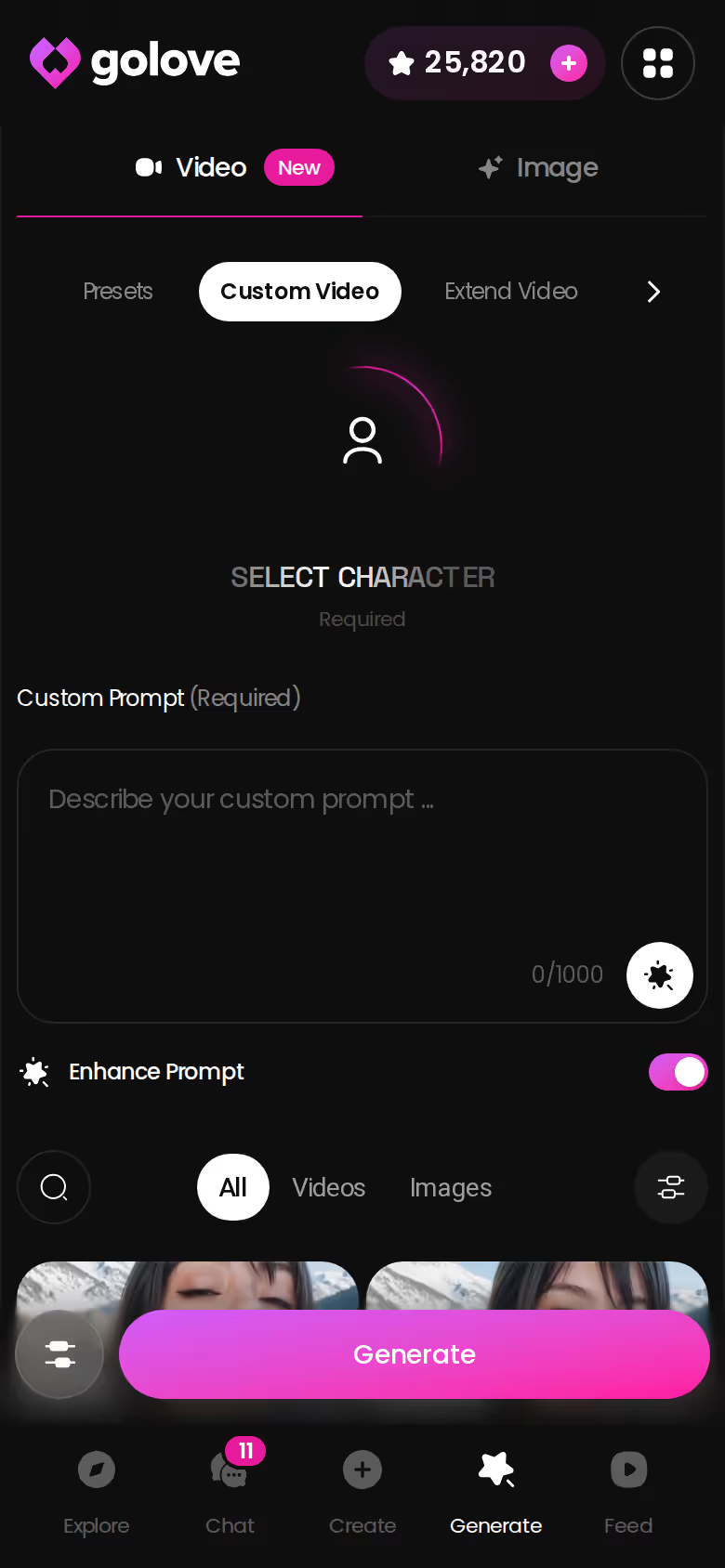
- Generator: pick a character, stack preset cards for action, clothes and background, then tap Generate. There are 76 realistic video modes, from 'Twerk' to 'Hard Doggy Style', and a 720p video costs 10 Stars.
- Remix: on any Feed clip, the magic wand opens the generator preloaded with that clip's character, action, outfit and scene. Change one thing and run it.
On GoLove.ai, the order that works:
- Pick a character — or build one to your taste
- Say something real: she remembers your chat history
- Open Chat Settings: pick her voice, lust level and reply length
- Ask her for a photo in the chat
- Want a set pose or outfit? The image generator has 35 realistic poses and 21 outfits
Of the three, Remix is the quickest, because someone already worked out the settings for you.
GoLove.ai's Free Tier: Where the Paywall Sits
Fair shake first: the free allowance is small. A free account gets 2 reward Stars a day, a limited daily Feed with a paywall after the quota, and episodes 1–2 of every Series. We could not confirm anything beyond that, so plan on photos and video costing Stars or a plan. Two Stars a day is weak sauce as a budget; treat it as a sampler.
All prices below are approximate, checked October 2026, and vary by region and promo:
| Option | Price (approx.) | What you get |
|---|---|---|
| Free | $0 | 2 Stars/day, limited Feed, Series eps 1–2 |
| GoLove PRO | ~$19.99/mo or ~$119.88/yr | 100 Stars/month, all NSFW content, voice messages & calls, unlimited Feed |
| GoLove ULTRA | ~$59.99/mo or ~$359.88/yr | More monthly Stars than PRO, 8,000-message memory, stronger models |
| Star packs | ~$9.99 (30) to ~$299.99 (3,000) | 1 Star = 1 image |
| OurDream Premium | from ~$19.99/mo, ~$9.99/mo annual (checked 2026-09) | Chat, images and video in one plan, DreamCoins balance |
What you actually pay may come in under this. New users get a limited-time −70% first-subscription offer, and regional pricing shifts the numbers too.
Credit where it's due: OurDream bundles chat, image and video into one subscription, which is simpler to budget than topping up Stars. It's web-only, though, with no native mobile app. GoLove's plan-plus-Stars setup has more moving parts, but PRO's 100 monthly Stars cover 100 in-chat photos, and for this guide that's the math that matters.
and watch their story unfold.View Character
What I'd Do on Night One
Cheapest moves first, here's the order I'd run on a first night:
- Watch episode 1 of a Series. It's free and shows you a character in motion before you commit to her.
- Tap Start Chatting with the star, so the face you liked is the one you're texting.
- Tune lust level and response length in Chat Settings before you send the first message.
- Ask for one photo in your own words, and check that she matches her avatar.
- Only then decide between a Star pack and PRO.
If you'd rather have one bundled web subscription with chat, images and video on a single balance, OurDream is a solid pick. For this search, though, GoLove.ai earns it: the same character carries from chat to photo to video, and Memory keeps the story going between nights. Skip the hype about raw image quality. Continuity is what makes an AI sex chat app feel personal.
The cleanest test of that continuity is a woman you described yourself. Design with AI turns a paragraph into a named character with a portrait in about a minute, so you can be asking her for photo one tonight.
Related Articles

How to Use FantasyGF: First Steps and What to Check
How to use FantasyGF: start with a short chat, then check plan limits on their site. GoLove.ai adds in-chat photo requests and memory — compare both.

Spicychay: Three Spicy AI Chat Apps Side by Side
Spicychay searchers want spicy AI roleplay — GoLove.ai wins on in-chat photos, voice calls and memory. Compare CrushOn.AI and OurDream first.
Best NSFW Chatbot: My Honest 2026 Ranking
Best NSFW chatbot, ranked honestly — GoLove wins on real memory, in-chat photos and voice, instant-access wall. See who else made the cut and why.
Bimbofication AI: Writing the Change, Then Seeing It
Bimbofication AI works best as a story with memory — GoLove.ai wins on consistent in-chat photos and a Breast Expand video mode. See how the arc plays out.